
Introduction
At my previous employer, I was responsible for putting together data slides for the Cybersecurity steering committee presentation. I would end up with a lot of:
- Incomplete data
- Inconsistent data
- Data that wasn’t telling a story
- Data that was telling the wrong story
- Bad data altogether
Data slides turned into a lot of follow-up, refining, and research. It matters how we present data points to the steering committee and executives because we want to show what work is needed, where we have gaps, and where we are successful. How can an IT team secure a budget without illustrating the gravity of the risky situation?
One report I regularly updated covered unsupported or unpatched operating systems. Two scenarios that sound similar but carry wildly different costs to resolve. When we say a system is “vulnerable,” we often lump them together, but here’s the key distinction: unsupported is a structural problem, and unpatched is an operational problem. These descriptors apply to all software, but let’s focus on Windows operating systems as our example.
Unsupported Versions
What does ‘unsupported’ mean?
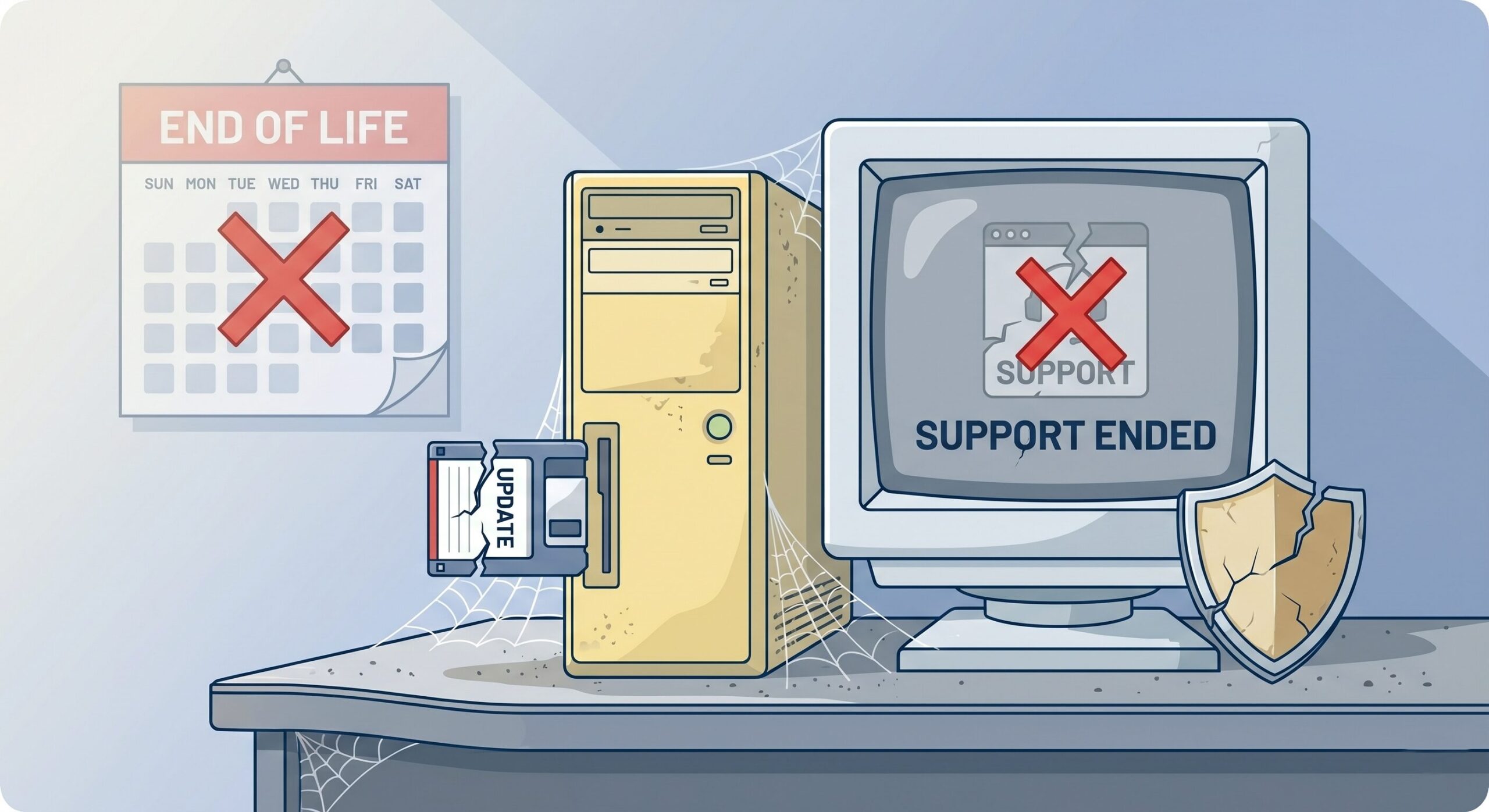
When software is unsupported, it has reached its end of life (EOL). The vendor will no longer be providing any updates or patches. No more security patches. No more features. Don’t bother calling for support.
What are some examples?
A Non-Software Example
It’s like my dad’s 1956 Chevy Panel Truck. Chevrolet still exists with various models, but they do not make parts, distribute, or repair Panel Trucks. Try calling Chevrolet for help; you’re out of luck. Try the junkyard or a local pick-your-part instead and learn to turn a wrench.
Microsoft Windows XP
OS Edition: Windows XP
Start Date: December 31st, 2001
Mainstream End Date: April 14th, 2009
Extended End Date: April 8th, 2014
Our favorite, most infamous unsupported OS is Microsoft Windows XP. It was released in 2001, and we loved it then. The extended support is intended to provide security updates to enterprises or businesses, giving them some time. Extended support has its own end date, and after April 2014, you’ve got nothing coming your way for patching or support. Consumers are not offered extended support.
What is the problem?
On one hand, attackers have the advantage here. We still run into exposed Windows XP (keeping with our example) on networks, and considering the extended end date alone, that’s over 10 years of vulnerabilities that will never be addressed. That’s plenty of time to come up with new exploits.
On the other hand, the problem is structural. Whatever is running on this machine is likely critical, since it still exists. Why keep it around otherwise? The dates have lapsed, and there is no replacement or migration. The risk is tremendous, and if this machine is an unknown or forgotten asset, it is worse because there was never a plan.
“You cannot protect what you don’t know you have.”
– several sources
What is the solution?
The direct solution, in theory, is to replace it with the next new thing that comes with patches, updates, and support. In practice, it is much more involved; there’s a lot of planning, including new hardware requirements, driver and software compatibility, working backups, migration, training, and more. All at cost.
Ideally, asset management tracks all assets and records key details, such as OS editions, versions, and EOL dates, so an IT team can anticipate and help the company budget for timely replacements.
But what if replacement isn’t an option?
You can’t get rid of this thing! Find a way to isolate or segment it from the network (e.g., a VLAN), so it has no internet access. Use a firewall to block ports, web application firewalls (WAFs), and/or intrusion protection systems (IPS) to block those known attacks.
Unpatched Versions
What does ‘unpatched’ mean?
When software is unpatched, it means there is a known issue with an available fix (patch) that has not yet been pushed to the software.
What are some examples?
A Non-Software Example
Back to car talk. Besides warranty, there are recalls, parts, dedicated auto-shops and mechanics, and manuals. If the car has an issue covered by a manufacturer’s warranty or a recall and it never gets taken in for the fix, it is similar to being ‘unpatched’ when there is a known, fixable issue that has not yet been fixed (patched).
Microsoft Windows 11
Everyone should be on Windows 11 now since Windows 10 was retired in October 2025.
OS Edition: Windows 11 Enterprise and Education
Start Date: October 4th, 2021
Retirement Date: In Support
There is no retirement date set for Windows 11, as it is the current standard. Every second Tuesday of the month, Microsoft has “Update Tuesday” (famously known as “Patch Tuesday”). This is when they release a bundle of fixes for newly discovered vulnerabilities. At the time of this writing, these are the release notes for the update I’m currently on. Krebs on Security and the SANS Internet Storm Center are other ways to read up on the fixed vulnerabilities.
What is the problem?
On one hand, the moment a patch is released, the vulnerability becomes public. Attackers immediately reverse-engineer the fix to build an exploit for those who haven’t updated yet.
On the other hand, the problem is operational. Being unpatched is not usually the result of an administrator who forgot to “push a button.” Often, the process is broken or slowed down by concerns for:
- Downtime – What if something breaks, and now teams are waiting for a rollback.
- Compatibility – Somewhat related to downtime, the update doesn’t play well with other tools.
- Scale – Patching 50,000 laptops across 10 time zones requires significant coordination.
- Visibility – You can’t patch what you can’t see.
- These systems could be safe. Intentionally or not, there is a reason to remain unpatched and vulnerable.
What is the solution?
In theory, the direct, easy solution is just to hit the “update” button already. What are you waiting for? It’s ready, isn’t it?
In practice, there are so many moving parts, and you cannot simply hit a button. No one wants to be the person who brings the company to its knees because an update crashes a critical database or breaks a custom app that hasn’t been touched in 5 years. “Just patching” is actually a complex lifecycle:
- Scanning – Asset discovery to find every forgotten laptop and server.
- Prioritization – Focus on “Critical” vulnerabilities that are actively exploited.
- Testing – Validate the patch in a lab environment first to ensure it won’t crash applications.
- Deployment – Roll the update out in waves to catch any issues, starting with pilot groups.
- Each of these steps requires labor, testing infrastructure, and potential downtime. I smell lots of time and money. Patching is an operational cost that requires budget approval, not a simple press of a button.
Why the Distinction Matters
When asking for a larger budget, communicating these scenarios separately will benefit everyone in the long run. Otherwise, it feels like a user calling into the help desk saying, “Everything is broken.” It’s not exactly painting a good picture. The problems and solutions are vastly different, and budgets are approached differently.
Here’s an example of how they can each be analyzed:
| Unsupported | Unpatched | |
|---|---|---|
| Problem | Structural dysfunction, no replacement | Operational dysfunction, insufficient patch management |
| Risks | Endless vulnerabilities, exploits, and no fixes available. | Patches are available, but not deployed fast enough to avoid active exploits. |
| Solution | Migration, retirement, replacement, or isolation. | Scanning, testing, and deployment cycles. |
| Cost | Requires buying new servers, licenses, and hardware. | Requires labor, time, and better internal processes. |
Conclusion TL;DR
When we talk about vulnerabilities, we want to be more specific in how we categorize them because executives will simply say things like:
- Why do we have so many vulnerabilities?
- Do we have a competent IT team?
- Are we wasting our budget?
Even worse, they gloss over the data and don’t ask questions, and you’re stuck with what you have.
Instead, showing them where we need to hire, where we need to buy, and where we are simply “getting by” on luck. Use the distinction between unsupported and unpatched to show them exactly where the risks lie in the situation. You truly cannot protect what you don’t know, and you can’t fix what falls outside of budget.
